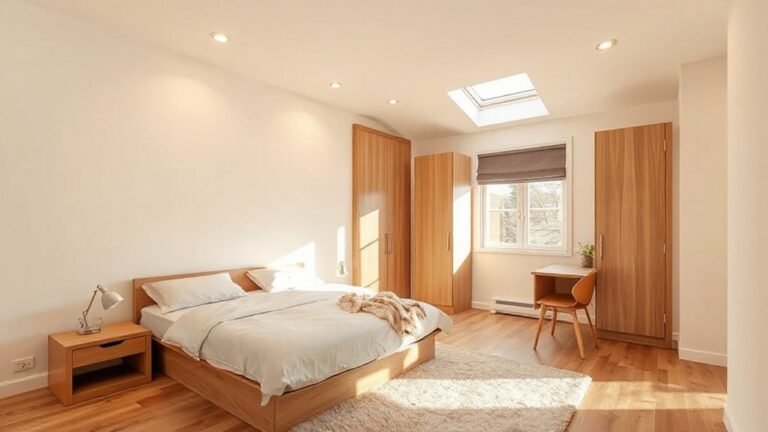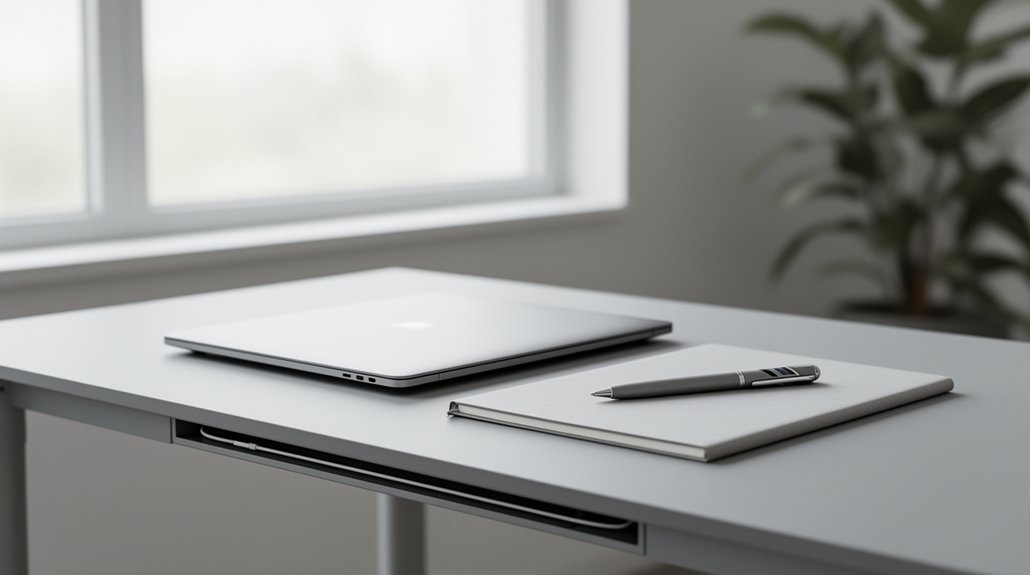
Create a distraction-free, minimalist home office with clean lines, purposeful storage, and ergonomic design. Start with a decluttered desk and tools within easy reach to minimize micro-distractions. Choose a large, smooth work surface, hidden storage, and cable management for a serene exterior. Use neutral tones, restrained decor, and textured materials to reduce cognitive load. Optimize lighting with dimmable, color-tunable options and maximize natural light. If you keep going, you’ll uncover practical tweaks to elevate focus even further.
Create a Distraction-Free Desk in 7 Steps
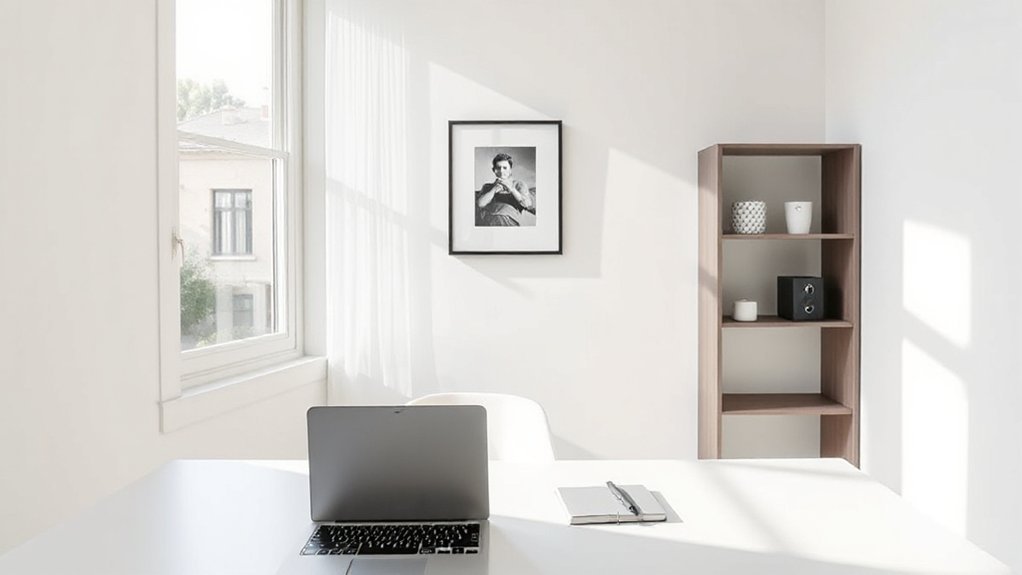
A distraction-free desk begins with a clean, purposeful setup. You empower focus by selecting ergonomic seating that supports posture and reduces strain, inviting longer, steadier work sessions.
Clear your surface of nonessential items, then organize essential tools within easy reach to minimize micro-distractions. Establish cable management to eliminate visual clutter and guarantee smooth, unobstructed movement.
Position your monitor at eye level and align keyboard and mouse for a neutral wrist posture, keeping your workspace accessible yet uncluttered.
Introduce ambient lighting that reduces glare and enhances concentration without fatigue.
Create a consistent routine: start with a brief reset, then shift into deep work blocks. Finally, practice deliberate breaks to preserve momentum, ensuring your desk supports sustained, distraction-free productivity.
Establish Focus Through Minimalist Principles
Start by decluttering your workspace to create immediate visual relief and sharper focus.
Embrace neutral tones to reduce cognitive load and keep attention on your tasks, not your surroundings.
Minimize visual distractions, so you can maintain momentum and work more efficiently.
Declutter Your Workspace
Decluttering isn’t just tidying up—it’s pruning distractions to sharpen focus. You’ll reclaim surface area and mental bandwidth by prioritizing purpose over ornament.
In this space, personal organization becomes a daily habit, not a one-off task, and decorative accents serve function as well as form. Remove nonessential items, relocate cables, and designate a single bin for items that don’t belong.
This disciplined approach minimizes friction, speeds workflows, and preserves a calm, productive mindset.
- Limit items on your desk to essentials only
- Create a dedicated drawer for frequently used tools
- Bundle cords and conceal with simple organizers
Embrace Neutral Tones
Neutral tones simplify perception and sharpen focus, aligning with minimalist principles you’ve already started to apply. You’ll establish calm, room-wide cohesion by selecting a restrained palette—soft beiges, warm greys, and ivory whites that blend with natural light. This approach supports color psychology, guiding mood and performance without visual noise.
Pair neutrals with deliberate contrast through black or charcoal accents to anchor your desk and storage, preserving order and clarity. Focus on material textures—matte finishes, smooth wood, and subtle fabric weaves—to add depth without distraction. Keep surfaces uncluttered, allowing tactile details to stand out, not compete.
Neutral tones act as a unifying backdrop, enabling you to concentrate on tasks, tools, and workflows with effortless, professional poise.
Minimize Visual Distractions
When you minimize visual distractions, you create a focused workspace that supports sustained productivity. By trimming excess elements, you reduce visual clutter and curb sensory overload, letting your tasks take center stage.
Maintain a clean surface, deliberate storage, and restrained decor to sustain momentum throughout the day.
1) Eliminate nonessential items from your desk to preserve a calm visual field.
2) Use closed storage and minimal open shelves to control what’s visible.
3) Align cues and tools with current tasks, keeping only what you actively need.
Pick Essential Furniture for a Calm, Productive Desk
Start with essential desk essentials that support focus, from a reliable quality mouse and keyboard to a simple monitor stand.
Keep your work area clutter-free by selecting smart storage and minimal accessories that serve a clear purpose. This calm setup primes your productivity, so you can work efficiently without unnecessary distractions.
Essential Desk Essentials
A calm, productive desk starts with a few purpose-built essentials: a comfortable chair, a clean work surface, and reliable storage that keeps clutter out of sight. You’ll feel the difference when your setup supports steady focus, reduced strain, and clean lines that reinforce calm.
Prioritize ergonomic accessories and thoughtful decorative accents to tailor the space without distraction.
- Ergonomic chair with lumbar support and adjustable height
- Large, smooth workstation surface paired with an under-desk storage solution
- Subtle decorative accents that reinforce focus without visual noise
Choose components designed for minimalist living: materials that endure, cables concealed, and surfaces easy to wipe. Your desk becomes a calm zone that sustains productivity, not a collection of distractions.
Clutter-Free Work Area
To keep a calm, productive desk, start with essential furniture that minimizes clutter and supports focus: a compact, supportive chair; a wide, smooth work surface; and concealed storage that tucks away cables and paperwork.
Choose a desk with clean lines and integrated cable management to reduce visual noise. Prioritize an ergonomic design: adjustable height, lumbar support, and positions that align with your workflow.
Opt for a single, multipurpose surface to avoid fragmented work zones. Select storage that’s accessible yet hidden, like shallow drawers and a slim filing slot.
Integrate minimalist decor—neutral tones, restrained accents—to enhance focus without distraction. Keep accessories to a minimum, illuminated by focused task lighting to preserve a serene, productive environment.
Hide Clutter Without Sacrificing Joy: Smart Storage
Hidden clutter can steal the calm from your workspace, but smart storage makes it disappear without dimming the joy of the room. You tailor efficiency with discreet solutions that stay out of sight while staying easily reachable.
Focus on clean lines, durable finishes, and adaptable pieces that grow with you. Use hidden compartments and modular shelving to keep essentials organized without cluttering surfaces.
A well-planned system reduces decision fatigue and enhances focus, letting you work with intention instead of distraction.
- Invest in modular shelving that reconfigures as your needs change.
- Install hidden compartments for cables, chargers, and small supplies.
- Choose furniture with integrated storage to keep desktops uncluttered.
Choose Color Palettes That Boost Concentration
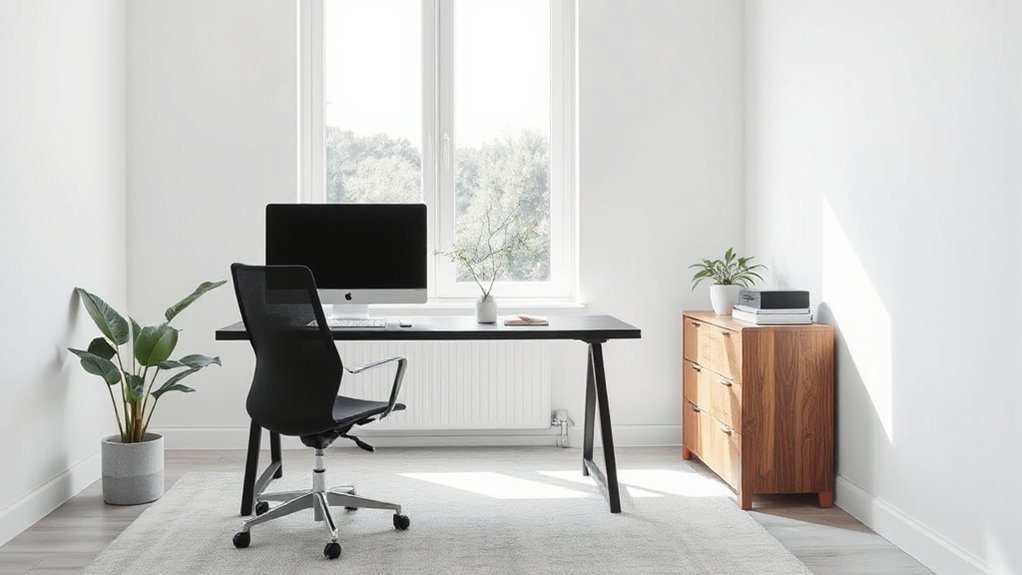
Choosing the right color palette can sharpen focus and create a conducive work rhythm. In a minimalist setup, opt for neutral bases—cool grays, warm beiges, or crisp whites—that reduce visual noise and support sustained attention.
Introduce accent hues deliberately; small doses of blue or green can calm the mind, while a restrained amber adds warmth without overstimulation. Color psychology informs these choices, guiding how you feel as you work and how long you stay engaged.
Prioritize contrast for legibility, ensuring text and surfaces read clearly from your usual vantage point. Keep saturation modest to prevent fatigue and preserve balance with natural light.
Use color sparingly for mood enhancement, avoiding overwhelming saturation that disrupts concentration.
Wire and Light: Clean Tech Setup for Efficiency
Clean, cable-free workspaces boost focus and efficiency, so start by aligning your devices with a single power hub and minimal runs. You’ll remove clutter, reduce heat, and speed setup for any task.
Wireless charging keeps surfaces clean, while smart lighting adjusts automatically to task and time of day, preserving your rhythm.
Employ reliable USB-C docks to centralize peripherals, and label cords for quick reconfiguration.
Prioritize dimmable, color-tunable fixtures to support focus or relaxation without distraction.
- Central power hub and labeled cables
- Wireless charging pads integrated into your desk surface
- Smart lighting that adapts to work phases and natural light availability
Layouts and Flow: Maximize Space and Focus
To maximize space and focus, arrange your workstation around a clear, uncluttered flow that supports quick task shifts. Begin with a primary desk zone aligned to sightlines from natural lighting, then place frequently used tools within easy reach to reduce rearrangement.
Opt for an L- or linear layout that minimizes cross-traffic and distractions, so you move smoothly between tasks. Integrate ergonomic furniture that promotes neutral postures: adjustable chair, height-appropriate desk, and accessible monitor height.
Maintain clear surfaces by storing cables and supplies behind panels or in drawers. Maximize natural lighting with placement that avoids glare while enhancing concentration.
Use zones for thinking, typing, and printing to reinforce dedicated mental states. Finally, guarantee pathways stay open, inviting airflow and quick transitions between priorities.
Personalize Quietly: Accessories That Add Character Without Noise
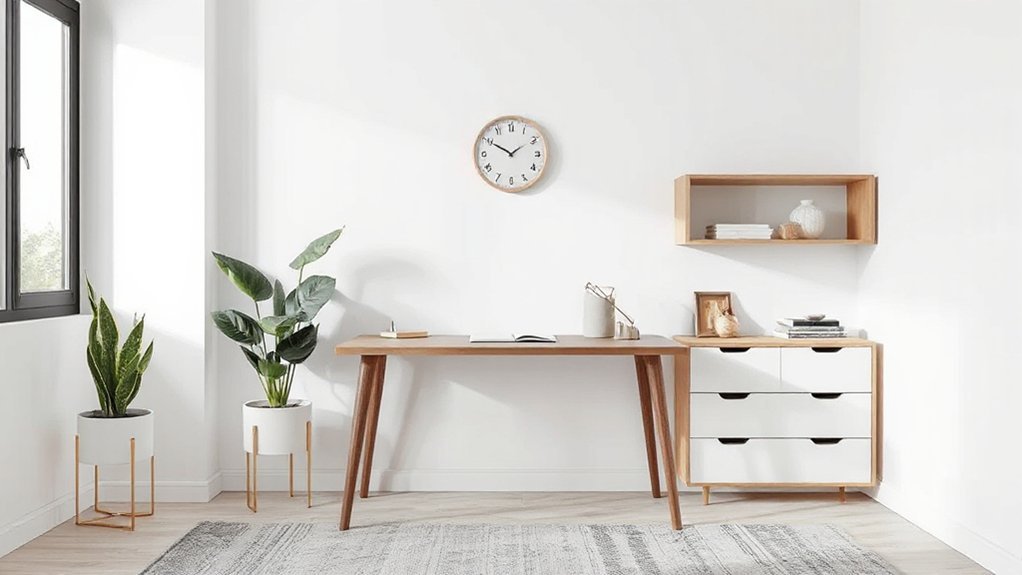
Accessories can quietly reflect your personality while keeping a calm, productive backdrop. You’ll keep focus by choosing artful accessories that feel intentional rather than ornamental. Aim for subtle decor that enhances efficiency without crowding surfaces or creating distraction.
- Curated desk accents: select a single, meaningful object in a refined finish to anchor your space without shouting.
- Monochrome textures: layer quiet patterns—linen, wool, or ceramic—in restrained tones to add tactile interest.
- Personal yet unobtrusive art: a small, non-glare piece that inspires without dominating the field of view.
This approach preserves a minimalist aesthetic while signaling your taste, ensuring the workspace remains conducive to deep work and consistent productivity.
Frequently Asked Questions
What Is the Ideal Minimum Desk Height for Focus?
Aim for a desk height around 28–30 inches for focus. Sit upright in an ergonomic chair, keep forearms parallel, and use natural lighting. Align keyboard and monitor properly, and adjust until comfortable for extended work sessions.
How Should I Measure Room Acoustics for Quiet Work?
Start by measuring room volume and reflection points, then use a calibrated app to gauge noise levels at your desk. Implement soundproofing techniques and acoustic treatment options to reduce reverberation and improve focus throughout the space.
Which Materials Promote Long-Term Productivity and Sustainability?
Productivity rises 12% when you value ergonomics: choose ergonomic accessories and eco friendly furniture, because durable materials cut waste and boost focus. You’ll work steadier, breathe easier, and sustain performance with thoughtfully sourced, long-lasting solutions.
What Budget Range Suits a Minimalist Home Office?
A budget of $500–$1,500 suits a minimalist home office. You’ll prioritize durable basics, color schemes that calm, and ergonomic accessories to maintain comfort and focus throughout your workday.
How Can I Adapt a Small Space for Future Growth?
Like a chameleon, you adapt by modular stakes and scalable storage. You plan for growth while you pivot. You’ll add decorative lighting and ergonomic chairs as space expands, ensuring comfort, efficiency, and a polished, authoritative workflow.
Conclusion
In your minimalist mission, make mastery magnetic: modulate your workspace with calm, clean contours and purposeful products. Let light, lines, and logic lead you to focus, not frenzy. Keep only what complements your craft, concealing clutter with clever storage and quiet color. Align layout to your workflow, reduce distractions, and invite efficiency. You’ll stay serene, centered, and capable as you create, complete, and conquer—consistently cultivating a concise, constructive, distraction-free domain.
About the Author