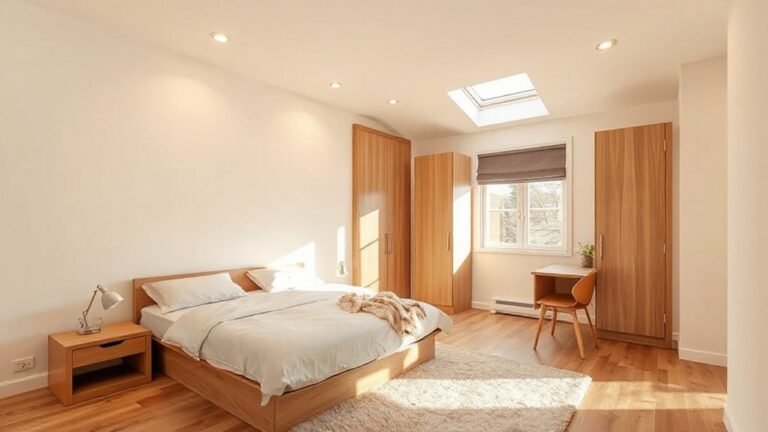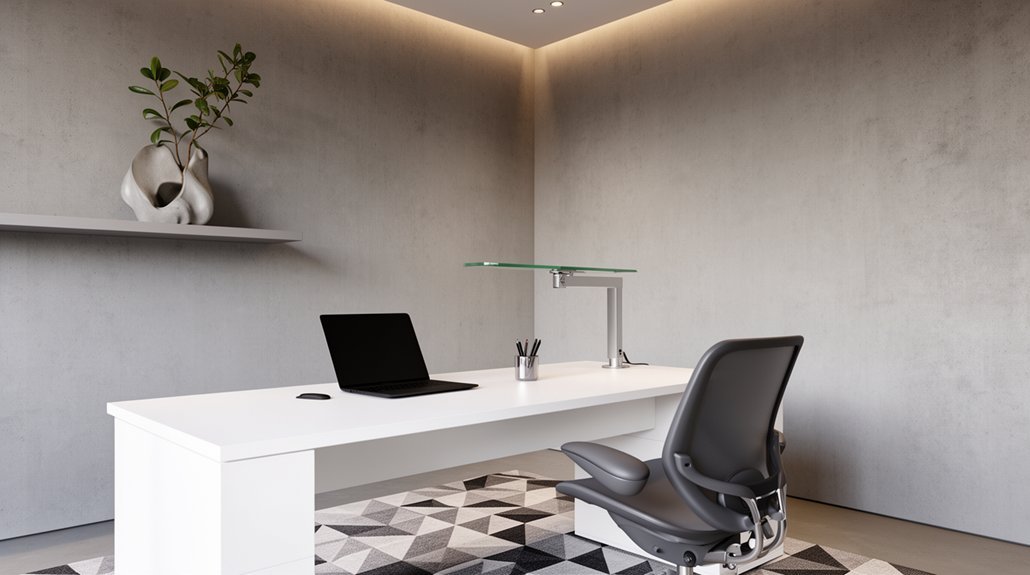
To design an ultra-modern, productive home office, start with clear goals and constraints—throughput, power/data needs, ergonomic standards, and scalable storage. Maximize natural light with daylight-friendly layouts and indirect lighting to reduce glare, while facing daylight corridors. Create clean lines with hidden storage and modular furniture that expands as tasks evolve. Build a seamless tech setup with essential devices, cable management, and quiet zones. Add biophilic accents for mood and focus, and budget-friendly premium touches—you’ll uncover more as you continue.
Define Goals and Constraints for an Ultra-Modern Home Office
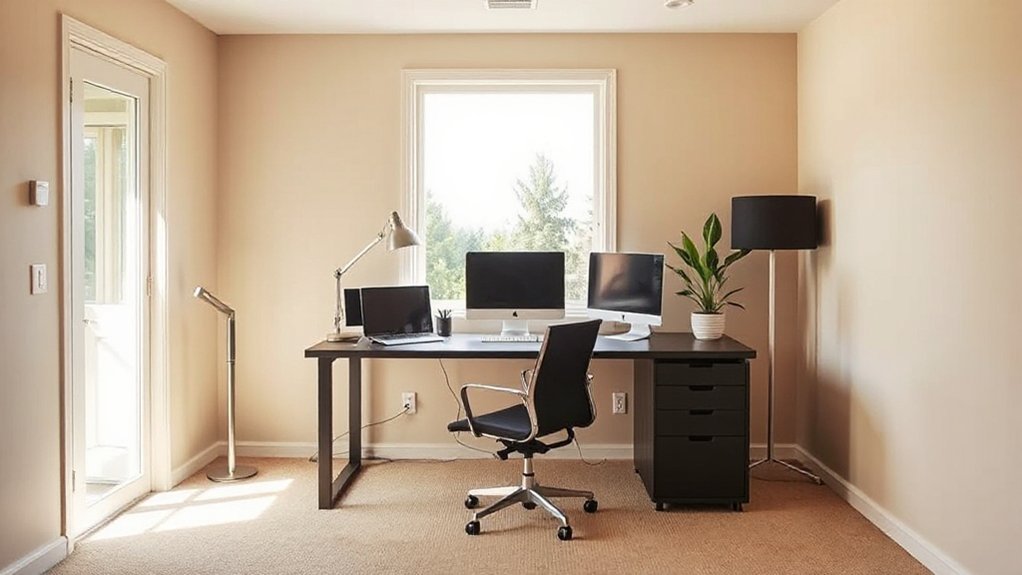
To define goals and constraints for an ultra-modern home office, you first establish clear performance targets, environmental needs, and functional boundaries. You set throughput expectations, power and data requirements, and ergonomic standards that align with your workflow.
Assess safety, acoustics, and climate control to prevent disruptions, then translate these into a structured brief. Prioritize adaptable furniture, smart controls, and scalable storage that accommodate evolving tasks.
Budget this project with phase milestones and risk buffers, so you can trade features without derailing outcomes. Incorporate Vintage accents and Artistic murals as design principles rather than decorative afterthoughts, ensuring they support focus and brand coherence.
Document constraints, approval workflows, and measurement criteria to guide procurement, installation, and ongoing optimization with measurable, repeatable success.
Maximize Natural Light and Outdoor Views for Focus
Maximizing natural light and outdoor views starts with deliberate layout choices that keep work zones adjacent to windows and sightlines open to the outdoors. You unlock focus when you position desks to face daylight corridors, not walls, and minimize obstructions near glazing.
Use indirect light layering, reflectors, and properly sized shade devices to reduce glare while preserving outdoor views. Incorporate indoor plants to improve microclimates and maintain a vibrant connection to nature without clutter.
Maintain a calm color palette that supports contrast for legibility and reduces eye strain. Prioritize window-led design strategies that align with workflow, not just aesthetics, so daylight remains integral to your routine.
1) Place the primary workstation near a generous window.
2) Use slim, unobtrusive storage to preserve sightlines.
3) Integrate plants and soft textures for depth without distraction.
Create Clean Lines to Reduce Clutter and Aid Attention
Clarity starts with deliberate line management: define simple, uninterrupted paths and limit visual noise by aligning furniture with clean, straight edges. You create focus when clutter-free surfaces reflect light rather than absorb it, guiding attention to essential tasks.
Choose storage that hides cables and maintains symmetry, so your workspace reads as one cohesive frame. Minimize ornamentation; use restrained finishes and discreet hardware to preserve calm.
When you introduce elements, favor vintage decor and artistic accents in controlled doses to enhance personality without breaking the line. Let color appear as a quiet accent rather than a dominating feature, ensuring contrast supports readability and prioritization.
In this setup, you reinforce efficiency through discipline, not disruption, enabling deeper concentration and steady progress.
Choose Modular Furniture That Grows With You
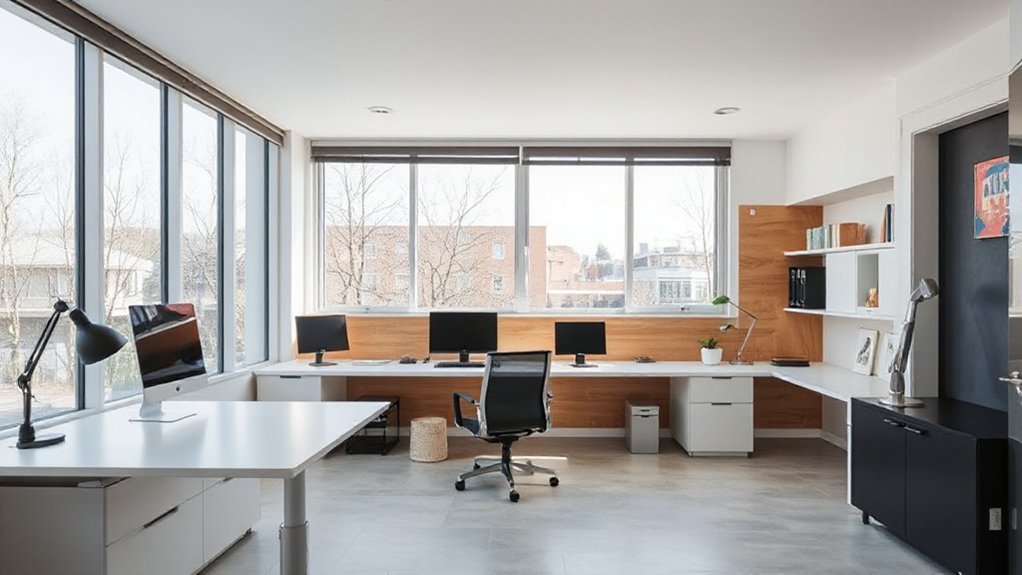
As you design a lasting home office, prioritize modular systems that adapt as your needs change.
Explore growth paths that let you add components over time, adjust height configurations, and reconfigure layouts without sacrificing efficiency.
This approach keeps your space space-efficient and ready for evolving tasks.
Modular Growth Paths
- Pick modular desks, shelves, and partitions with standardized connectors and load ratings to ease expansion.
- Align finishes and hardware across modules for a unified look as you add components.
- Plan power, cable management, and lighting early, integrating outlets and lighting fixtures for scalable layouts.
This approach sustains productivity while enabling intentional, incremental growth.
Flexible Height Configurations
Start with a core desk system that scales: add height-adjustable surfaces, telescoping legs, and modular compartments. Pair these with configurable storage to keep essential tools within reach, yet concealed when not in use.
Wall panels support grommets, power, and cable routing, preserving a clean line as your requirements evolve. Integrate deliberately chosen pieces to maintain proportion, avoiding bulky elements that hinder movement.
Think in layers: surface, storage, and display. For visual focus, curate a restrained aesthetic with accent elements like custom shelving and wall art that reinforce clarity and productivity.
Your workspace becomes adaptable, precise, and enduring.
Space-Efficient Expansion
- Select interlocking modules that snap together, allowing you to recompose layouts without reworking walls or cables.
- Favor compact, multiuse units with hidden storage to keep essentials out of sight while preserving accessible work zones.
- Integrate artistic lighting and vintage decor accents to elevate atmosphere without consuming space, creating a refined, scalable aesthetic.
Build a Seamless Tech Setup With Essential Devices
To build a seamless tech setup, start by identifying core devices that cover your daily needs and connect them with fast, reliable hardware.
Begin with a capable computer or laptop, external monitor(s) for legibility, a keyboard and mouse you enjoy, and a stable webcam for meetings.
Add a high‑quality microphone and reliable speakers or headphones to guarantee clear communication.
Prioritize a robust router, Ethernet where possible, and a small, organized charging station to minimize clutter.
Integrate Smart lighting to adapt brightness and color temperature for focus and mood without distraction.
Install Acoustic panels where needed to control reflections and reduce fatigue during long sessions.
Choose USB‑C docks for expansion, and keep cables neatly managed to preserve a clean workflow.
Design Quiet Zones Within Open Plans (Acoustics That Work)
Think about Quiet Zone Placement as the backbone of an open-plan office, arranging calm areas where focus happens without draining nearby activity.
Combine Acoustic Zoning Tactics with strategic layout and materials to create dedicated pockets that reduce cross-talk and noise spillover.
Consider Sound Masking Strategies as an active, scalable tool you can deploy to maintain consistent acoustics across zones while preserving open space.
Quiet Zone Placement
When designing quiet zones within open plans, placement matters as much as the materials you choose. You’ll optimize focus by situating zones away from high-traffic hubs and near natural boundaries, like walls or built-ins, that enhance sound isolation. Thoughtful layout reduces distraction and preserves flow, while maintaining visibility for collaboration when needed.
Prioritize routes with shorter exposure to ambient noise, and align zones with natural light for comfort during long sessions.
- Position quiet zones along interior cores, not exterior edges, to minimize external noise intrusion.
- Use partial barriers and alcoves to create sonic pockets without enclosing the entire space.
- Integrate sound-absorbing surfaces at entry points to maintain ambient noise control without sacrificing openness.
Acoustic Zoning Tactics
Acoustic zoning turns open plans into focused workspaces by delineating quiet pockets without sacrificing collaboration. You implement deliberate zones using visual cues, materials, and layout to control sound flow.
Begin with strategic placement of workstations, pairing high-focus tasks away from chatter, and group collaborative spaces near room edges to contain noise. Use soundproof barriers to create physical boundaries that dampen direct conversations without isolating teams.
Introduce acoustic treatments such as panels, ceiling baffles, and soft flooring to absorb echoes and minimize reverberation. Guarantee ventilation and light remain unobstructed to sustain comfort.
Document zoning rules so occupants know which areas require quiet and which encourage interaction. Regularly reassess zones after furniture changes, occupancy shifts, or new equipment to preserve effective acoustics.
Sound Masking Strategies
Sound masking plays a pivotal role in shaping quiet zones within open plans by stabilizing ambient noise levels so focused work isn’t disrupted by nearby chatter. You implement this through targeted sound masking systems that blend with room acoustics, reducing distraction without creating a sterile environment.
Precision matters: you calibrate output to match task intensity, not omnipresent noise.
1) Optimize acoustic panel placement to complement masking, concentrating absorption where conversations bounce, not where solo focus occurs.
2) Align sound masking density with ceiling height and furniture layout, ensuring uniform coverage across zones.
3) Integrate discreet controls for quick adjustments during peak collaboration periods, preserving privacy without sacrificing clarity.
Use soundproofing techniques strategically when needed, and verify performance with measurements to sustain consistent quiet zones.
Plan Flexible Layouts for Different Workstyles
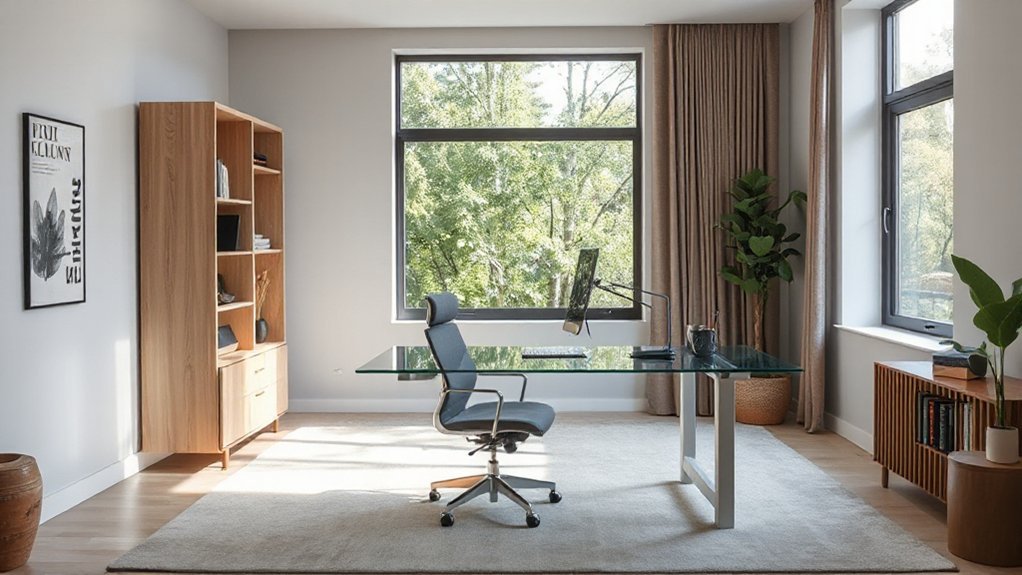
Flexible layouts empower you to adapt workspaces to changing needs and preferences. Plan zones that align with distinct tasks—focus, collaboration, and storage—then allow quick reconfiguration with modular furniture, mobile boards, and adjustable work surfaces.
Prioritize clear sightlines, noise control, and accessible power every few feet to support rapid shifts between roles. Use a grid or story-based flow to guide movement, keeping frequently used tools within arm’s reach and less-used items tucked away.
Incorporate Decorative lighting to define areas without clutter, and position Wall art to invite focus and reduce fatigue. Test your design by simulating typical days: a solo deep-work block, a team brainstorm, and a quick video call, then refine for seamless progression.
Select Sustainable Materials That Age Well in an Office
When selecting materials for an office, prioritize options that are durable, low-emission, and capable of aging gracefully. You’ll maximize lifecycle value by choosing sustainable materials that resist wear, maintain form, and reduce waste over time.
Prioritize certifications, low-VOC finishes, and predictable performance under daily use. Aging gracefully means patina, not damage, and materials that accept light remediation rather than replacement.
Your goal is steadiness, not trend-chasing, so select options that endure with minimal maintenance.
- Reclaimed wood and FSC-certified panels that stabilize with age while minimizing environmental impact
- Low-emission metals and glass with durable coatings that resist scratches and corrosion
- Naturally durable composites and textiles designed for long-term use and repairability
Pick Color and Material Palettes That Sharpen Concentration
Color psychology guides you to choose hues that boost focus, balancing calming neutrals with deliberate accents.
Pair complementary textures and materials to create tactile contrast that keeps attention engaged without distraction.
Use clear contrast and strategic lighting to sharpen focus on key tasks while preserving a cohesive, uncluttered feel.
Color Psychology Principles
Color choices and materials directly influence focus in a home office, so you should lean toward palettes and textures that minimize distraction and maximize alertness.
Color psychology principles show how color theory shapes emotional responses, guiding you to selections that sustain sustained concentration and reduce fatigue. You’ll optimize contrast for legibility and choose hues that support steady mental effort without overstimulation.
- Use cool neutrals with a single accent to preserve clarity and minimize cognitive load.
- Favor low-saturation blues or greens to promote calm focus while preserving alertness.
- Pair warm wood or matte metals with restrained tones to anchor attention without competing for focus.
Adopt disciplined palettes that align with your tasks, maintain consistency, and respect visual hierarchy for productive sessions.
Material Texture Combinations
Texture combinations shape focus as much as color does, so pick materials and finishes that reduce noise and optical clutter while supporting steady attention. You’ll harmonize Material textures with calm color foundations to optimize perception and minimize distraction.
Choose low-contrast pairings that alleviate visual fatigue: matte surfaces paired with subdued, warm neutrals, or cool grays accented by restrained timber grains. Prioritize Surface finishes that resist glare, fingerprints, and wear, preserving a disciplined backdrop for deep work.
Avoid busy patterns or high-gloss ostentation; instead, opt for tactile, durable textures that communicate structure and intention. In practice, document a palette that balances warmth and focus, then apply consistently across cabinetry, desk surfaces, and shelving.
This disciplined approach sharpens concentration without compromising comfort or style.
Contrast and Focus Techniques
To sharpen concentration, choose contrast and material palettes that reduce visual noise while guiding the eye toward essential tasks. You’ll balance color contrast with tactile cues to reinforce workflow priorities, ensuring every surface signals purpose. Aim for deliberate simplicity: a restrained palette, purposeful textures, and clean lines that support visual focus without distraction.
- Use a primary neutral ground with one bold accent to direct attention to key controls, screens, and documents.
- Select materials that yield subtle texture differences; matte finishes minimize glare while highlighting needed elements.
- Pair warm and cool tones to delineate zones—workstation, storage, and reference areas—without competing visual signals.
This approach strengthens focus, reduces clutter, and clarifies interactions, delivering steady productivity. color contrast, visual focus.
Hide Clutter With Smart Storage That Preserves Flow
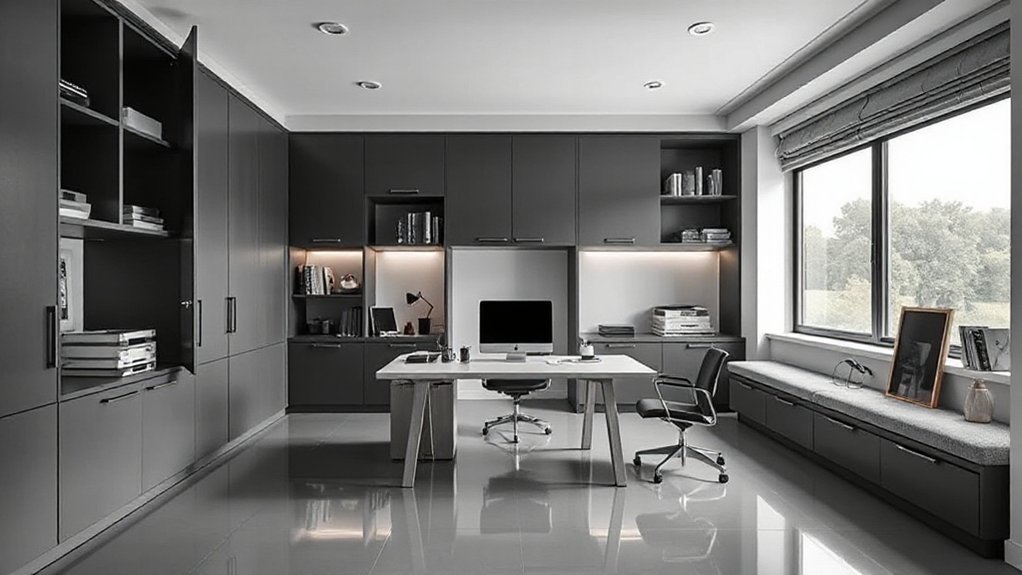
When you hide clutter, smart storage should preserve flow rather than disrupt it. You implement hidden compartments and smart shelving that integrate with your desk, walls, and cabinetry, creating a seamless appearance.
Choose discreet mechanisms—push-to-open drawers, retractable panels, and magnetic or touch-latch systems—that vanish when not in use.
Prioritize accessible placement for essentials, so you maintain quick reach without visual distraction.
Use modular components that can adapt to changing gear, from documents to devices, keeping surfaces clear.
Labeling remains minimal to sustain a clean aesthetic, while automation options, like sensor lighting or app-controlled compartments, streamline organization.
The result is a calm, efficient workspace where clutter stays out of sight without compromising usability.
Prioritize Ergonomics to Prevent Fatigue and Injury
To prevent fatigue and injury, get your seating right and align your monitor at eye level.
Sit with your hips and knees at roughly 90 degrees, and keep your spine supported to maintain neutral posture.
Make sure the monitor height matches your line of sight so you don’t tilt your head or strain your neck.
Ergonomic Seating Posture
Maintaining an ergonomic seating posture is essential to prevent fatigue and injury, so start with a neutral spine alignment and hips that are slightly above the knees. You’ll optimize comfort by integrating core support, adjustable armrests, and a seat depth that allows a light bend in the knees.
- Set your chair height to keep feet flat and shins vertical, promoting posture alignment every hour.
- Adjust backrest to support the lumbar curve, ensuring shoulders stay relaxed while you type.
- Position the monitor slightly below eye level and at arm’s length to maintain consistent ergonomic seating without strain.
Monitor Height Alignment
Position the monitor so the top of the screen sits slightly below eye level and about an arm’s length away, then keep the screen angled to minimize glare and neck strain. Monitor height alignment directly influences sustained focus, comfort, and long-term health.
You should align the display so the primary viewing axis falls slightly downward, reducing head tilt and cervical load. Confirm the monitor sits at a stable, flat surface with even elevation relative to your keyboard.
If you use dual displays, position the primary screen directly in your line of sight and center the secondary screen to minimize frequent head movements.
Regularly reassess posture during tasks and adjust as needed. This approach supports proper monitor positioning and ergonomic alignment, enhancing productivity while reducing fatigue and injury risk.
Simplify Wiring, Outlets, and Cable Management
When you plan your home office, start by simplifying wiring, outlets, and cable management to reduce clutter and improve safety. You’ll create a cleaner surface, fewer trip hazards, and smoother daily use by organizing power with purpose-built solutions.
- Install a centralized power hub and use cable concealment to route cords behind a desk or through walls, keeping the work area uninterrupted.
- Add wireless charging pads integrated into the desk or a hidden charging tray, so devices power without visible cables.
- Use labeled, color-coded sleeves and under-desk channels to group related cables, simplify maintenance, and prevent accidental disconnections.
Add Biophilic Accents to Boost Mood and Productivity
Biophilic accents instantly elevate your home office by bringing nature indoors and boosting your mood. You can integrate greenery without clutter by choosing compact, easy-care plants that suit low-light corners, vertical planters, and shelf-friendly terrariums.
Implement indoor gardening methods that require minimal maintenance, such as hydroponic herbs or office-friendly succulents, to keep air freshness and focus high throughout long days.
Select furniture and decor using natural materials—bamboo, cork, recycled wood, and linen textiles—to reinforce a calm, organic rhythm.
Place a small fountain or a softly bubbling water feature to introduce gentle soundscapes, promoting concentration.
Guarantee plants are rotated for even growth, and keep irrigation simple to avoid distractions.
This approach pairs practicality with aesthetics, enhancing productivity through deliberate, nature-inspired design.
Upgrade With Budget-Conscious Premium-Feel Options
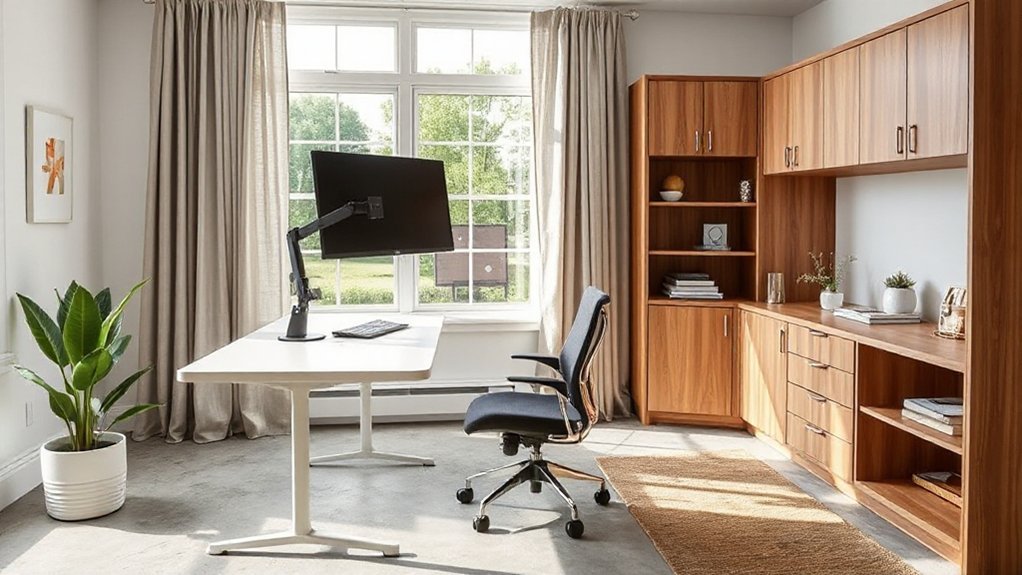
Smart upgrades don’t have to break the bank. You can elevate your workspace with carefully chosen, premium-feel pieces that stay budget-friendly while delivering a refined look. Focus on balance: form, durability, and material quality. Use eco-conscious materials where possible to reinforce your sustainability stance without sacrificing style or function.
Prioritize clean lines, stealth hardware, and subtle textures that read as high-end.
- Invest in a single statement desk with a solid core surface and understated metal accents.
- Pair budget-friendly furniture with a leatherette or fabric upholstered chair that offers ergonomic support and lasting comfort.
- Add modular storage in a neutral finish to maintain a cohesive, premium aesthetic while staying flexible.
This approach delivers a refined, efficient space without overspending.
A Practical, Step-by-Step Plan to Design Your Ultra-Modern Home Office
To design an ultra-modern home office, start with a clear plan that maps your workflow, storage needs, and tech setup before you buy a single piece of furniture.
Define zones for focus, collaboration, and breaks, then specify required dimensions, cable routing, and power locations.
Choose a minimalist palette and ergonomic hardware to reduce clutter while boosting efficiency.
Establish a scalable storage system with labeled bins, modular shelves, and digital backups.
Prioritize a fast, reliable network and a single, centralized command center for peripherals.
For remote collaboration, select cameras, mics, and lighting that present you professionally in all conditions.
Prepare virtual backgrounds that reinforce branding and minimize distractions.
Finally, budget for future upgrades, document your plan, and test your layout during a full workweek to validate flow and comfort.
Frequently Asked Questions
What Budget Range Suits Ultra-Modern Home Offices Best?
A mid-to-upper budget, typically $5,000 to $15,000, suits ultra-modern home offices best. You’ll optimize furniture arrangement and refine color schemes, balancing high-quality essentials with flexible layouts for productive, polished workspaces.
How to Balance Aesthetics With Practical Maintenance Costs?
Focus on balancing aesthetics with practical costs by prioritizing aesthetic harmony and maintenance simplicity in every choice; choose durable, low‑effort materials, modular designs, and timeless finishes so your space stays pristine and visually cohesive without heavy upkeep.
Which Lighting Setup Minimizes Glare Across Tasks?
Glare is minimized by combining bright ambient lighting with focused task illumination. Start with evenly diffused ambient light, then add adjustable desk lamps. Think of the moon and a lighthouse: steady glow, precise beams guiding your work.
Can Small Spaces Accommodate Multi-Use Work Zones?
Yes, you can. In compact spaces, you use compact furniture and flexible layouts to create distinct, multi-use zones that adapt quickly for work, storage, or leisure, keeping pathways clear and sightlines prioritized for focus.
What Are Quick Wins for Privacy Without Isolation?
Like a whispered legend, you gain privacy fast: use soundproof partitions and smart privacy solutions. You block distractions, maintain focus, and control visibility, so your space stays efficient, organized, and confidently professional throughout your workday.
Conclusion
You’ve started with a vision of efficiency and calm. By embracing light, clean lines, and adaptable furniture, you craft a space that grows with you. As you wire for focus and invite greenery inside, your environment becomes a quiet mentor—never the distraction, always the nudge toward better work. Remember the old carpenter’s adage: measure twice, cut once. In design as in life, simplicity asks less of you and yields more of what matters.
About the Author